Geofence Alerts Explained
This guide is for car owners in Pakistan who want to know what geofence alerts are and whether they are worth paying for. It explains what a geofence is, how to set one up, what alerts you get, which packages include it, and where its limits are.
What Is a Geofence?
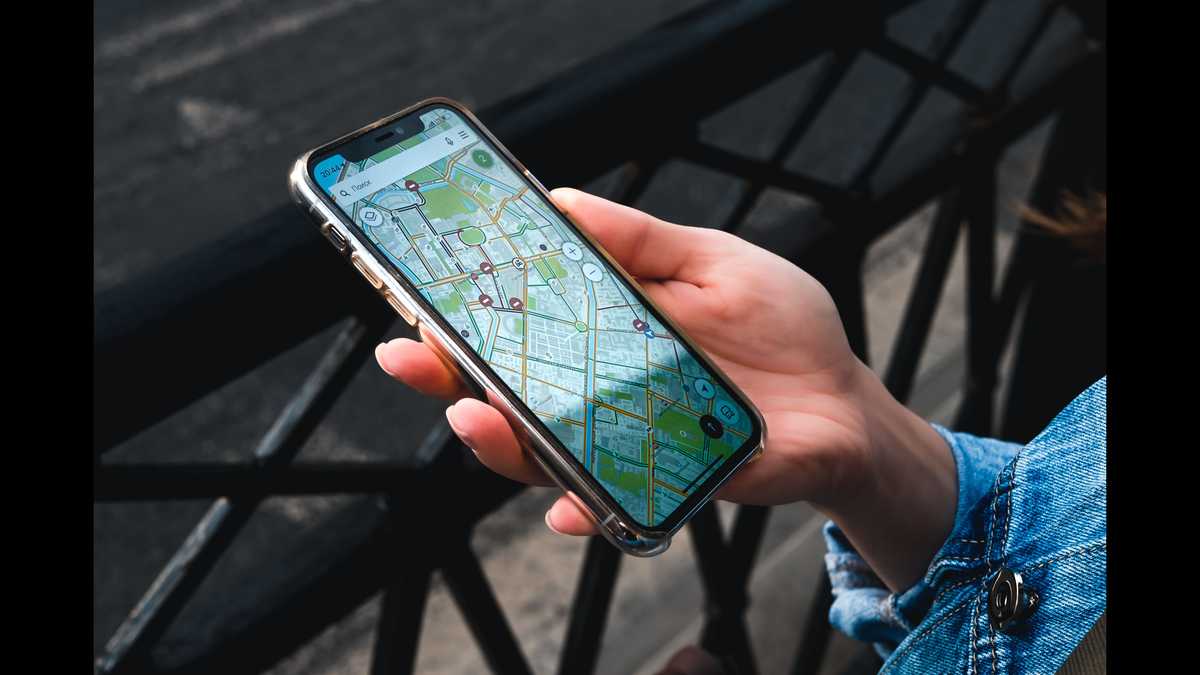
A geofence is a virtual boundary that you draw on the map inside your tracker app. It can be a small circle around your house or a large area that covers a whole city. Nothing is fitted at that location. The boundary exists only in the app.
The GPS tracker in your car keeps reporting its position over the mobile network. When the car crosses the boundary you drew, the system notices and sends an alert to your phone. That is all a geofence does, and it saves you from checking the map again and again.
If you want to understand the tracker side of this, read how a car tracker works.
How to Set Up a Geofence
Screens can look slightly different between app versions, but the process is the same:
- Open the app, log in and select your car.
- Go to the geofence option and pick a point on the map, such as your home or office.
- Set the size of the area. A small area suits a house, a larger one suits a neighbourhood or a city.
- Give it a clear name, such as Home or School, so you know which place the alert is about.
- Save it and turn on the alerts you want for that area.
The geofences most people set first:
- Home, to know when the car leaves the house or comes back.
- Office or shop, to know when a driver or family member reaches work.
- School or college, to know when the car reaches the gate for drop-off or pickup.
- City boundary, to know if the car goes outside Lahore, Karachi, Islamabad or whichever city you live in.
What Alerts You Get
A geofence gives you two types of alert:
- Enter alert, sent when the car moves into the area you drew.
- Exit alert, sent when the car leaves that area.
Because you named each geofence, the alert tells you which place the car entered or left. You can then open the app to see the live location and the trip history for that journey. Geofence alerts work alongside the other alerts in the app, such as ignition and overspeed. You can see all of them on our car tracker app page.
Practical Uses in Daily Life
- Know when the car leaves home. If you did not expect it to move, you find out straight away and not the next morning.
- Know when a driver reaches a destination, without calling him to ask. This helps families with a hired driver and small businesses with one or two vehicles.
- Know when the car moves at night. An exit alert from your home geofence at 2 am is a clear warning sign. Check the live location at once and call 15 if the car is being stolen.
- Make school runs easier. A school geofence tells parents when the car has reached school and when it has left for home.
- Keep a lent car close. If you lend the car to a relative or give it to a driver, a city boundary tells you if it goes on a long trip you did not plan for.
Which Packages Include Geofence Alerts?
Geofence alerts are included in the Gold and Platinum packages. The Silver package does not include geofencing. All prices are one-time, with no monthly fee:
- Silver, Rs 14,000, does not include geofence alerts.
- Gold, Rs 18,000, includes geofence alerts.
- Platinum, Rs 24,000, includes geofence alerts.
From year 2 there is an annual maintenance fee (AMF) of Rs 8,000 for Gold and Rs 10,000 for Platinum. Over 3 years, Gold comes to Rs 34,000 in total and Platinum to Rs 44,000. The price is the same in all 17 cities we cover. See the full breakdown on our car tracker prices page. Once you choose a package, we book professional installation for your car.
Limits You Should Know
- It needs mobile signal. The tracker sends its position over the mobile network, so in weak signal areas an alert can be late.
- It needs a GPS lock. In basements and covered parking the GPS signal can be weak, so the position may not update until the car is in the open.
- Alerts can be delayed a few minutes. A geofence alert is fast, but it is not instant to the second.
- Very small areas can cause false alerts. GPS position can move a few metres even when the car is parked, so keep your geofence a little bigger than the building.
- It is a warning, not a lock. A geofence tells you something has happened. It does not stop the car by itself.
FAQs
It is a notification your tracker app sends when your car enters or leaves an area you have drawn on the map, such as your home, office or school.
Geofence alerts are included in Gold (Rs 18,000) and Platinum (Rs 24,000). Both are one-time prices with no monthly fee.
Yes. You can draw a geofence around any place, including a school, and get an alert when the car arrives or leaves.
Not always. The tracker needs mobile signal and a GPS lock, and alerts can arrive a few minutes late, especially in weak signal areas.
No. A geofence only sends you an alert. It tells you quickly so you can check the live location and act.
Want a Tracker You Control?
Get geofence alerts for home, office and school with a Gold or Platinum package. See all car tracker prices.